Live on TikTok Step by Step – How to Enable, Host, and Monetize Broadcasts
Live streams on TikTok are more than just casual chats to your phone during free time. It’s a tool that can start generating real income if approached sensibly. Through live broadcasts, you build a community, present yourself without filters, and create a relationship that is hard to replicate in short TikToks. You can showcase a product in action, tell a story, answer audience questions, and sell something that truly helps them. How? Answers in today’s post.
How to Go Live on TikTok? Requirements You Must Meet to Start a Broadcast
Before you even start planning the time you will go live or which filter to choose, you must ensure that your TikTok profile meets the conditions to unlock the LIVE feature. You first need a minimum of 1,000 followers, as this is when the app will show you the option to go live. If you haven’t reached this threshold yet, focus first on posting regular videos that gather views and invite users to follow.
It’s worth knowing that TikTok requires you to be at least 16 years old to go live, and if you plan to monetize through viewer gifts, you must be at least 18 and have a minimum of 10,000 followers. This isn’t an insurmountable obstacle, but it’s good to be aware that the app won’t unlock its full earning potential until you reach these values. If you’re wondering how to go live on TikTok from a computer, currently, the official option to broadcast via PC is limited in Poland, and it’s most convenient to start your broadcast via smartphone using the official app.

Discover the potential of your personal brand!
Join a platform where creators can earn money online and build their personal brands by recommending products and services from brands and partners they truly respect.
Once you meet these conditions, prepare your account – update your bio, set a good profile picture and ensure visual consistency. These are details that affect how new viewers perceive you during your live stream. Your image builds trust, and trust translates into viewership and income. If you plan to regularly monetize live streams, it’s worth immediately considering a RefSpace-related offer, where you can add products or ebooks you might mention during the broadcast.
First Click is Not Everything – How to Conduct a Live on TikTok Step by Step?
The moment you first start a live broadcast is exciting, but without understanding a few basic steps, you may lose potential and discourage viewers. How to go live on TikTok? Open the app, click the “+” icon at the bottom of the screen, and choose the “LIVE” option from the menu. If you don’t see it, check if you meet the age and follower number requirements.
Before pressing the “Start” button, create a catchy, concise title for your broadcast that clearly informs what will happen. It can be something simple, like “Q&A on Instagram” or “Behind the Scenes of TikToking.” The title is what users see before clicking, so make sure it’s short and enticing. Then configure the settings – choose filters, effects, and comment moderation and decide if you want to invite a guest to co-host.
Only then click the red record button. During the broadcast, stay calm and be yourself – enthusiasm is effective, and a forced tone is immediately apparent. When you finish, end the broadcast by clicking the button again and selecting “End.” If you’re wondering how to record a live on TikTok, you can turn on screen recording on your phone to save the material for later use, for example, as a clip on Instagram or in RefSpace. This is a way to reuse content you’ve already prepared.
Want to Really Earn from Lives? Here’s How to Use Gifts, Subscriptions, and Tips in Practice
Many creators think that live broadcasts are just a way to interact with viewers, but in reality, it’s a fully-fledged monetization tool if played well. On TikTok, you can earn in various ways, starting with gifts viewers send during broadcasts – they are converted into diamonds, then into cash that you withdraw. If you want to fully exploit this potential, prepare for the live with a plan that encourages interaction and support from viewers.
You can also set paid LIVE subscriptions, giving subscribers access to exclusive content if you’re over 18. This is a good way to build a permanent audience base that pays monthly for access to Q&As, backstage, or special advice you offer only during broadcasts. Another option is tips, which are donations viewers can send directly to your profile as a sign of support.
If you already have your own products, courses, or ebooks, you can use live streams to sell them. Show products in action, talk about them, answer questions, and offer discounts to viewers. Brand collaborations also fit well into streams – you can do unboxings, tests, or show products in practice. This is a way to show authenticity and build trust, which directly translates into sales. If you’re using RefSpace, you can immediately provide viewers with the link to your Space where all the products you recommend can be found.
Your Lives Can Sell for You – How to Showcase Products and Build Community During Broadcasts
Lives have huge sales potential, but to start earning, you must change your approach from “I’ll talk” to “I’ll sell by engaging.” During TikTok broadcasts, you can show how you use products, talk about them, and encourage questions. Viewers are often curious about details that are hard to show in short TikToks – live is the perfect place to answer these questions in real time.
Use broadcasts to show products, present services, discuss features, and demonstrate effects. Provide use case examples, show results, and share stories of people who have already benefited from the product. This works better than any advertisement, as you show the product in a daily context, which increases trust and purchase intent. You can also offer special discounts only for live participants, motivating viewers to make an immediate purchase.
And if you want viewers to be able to immediately buy what you showcase, add those products to your RefSpace store. Your store is integrated with a link you can paste into the broadcast description or pin in a comment. This way, every product you talk about is available “here and now,” without searching and scrolling. It’s the perfect tool for sales during lives – without the need to set up your store or worry about logistics. You show – RefSpace takes care of the rest.
With systematic broadcasts, you build a loyal community that not only watches but also buys and returns for more. Regularity is key – the more often you’re live, the more you become part of your viewers’ daily routine. If you’re wondering how to run a live on TikTok, remember that your energy, engagement, and openness to interaction matter. It’s also worth planning what you want to sell and what actions you’ll take during the broadcast to increase conversion chances.
How to Conduct a (Successful) Live on TikTok? Practical Tips for a Successful and Profitable Broadcast
The worst you can do is start a live without preparation and talk without a goal, hoping “it will somehow work out.” Instead, create a broadcast plan – decide on the topics you’ll cover, the questions you’ll ask viewers, and what you want to sell or present. Take care of announcing your live – post stories, a post, or a short video, informing when the broadcast will occur and what viewers can expect.
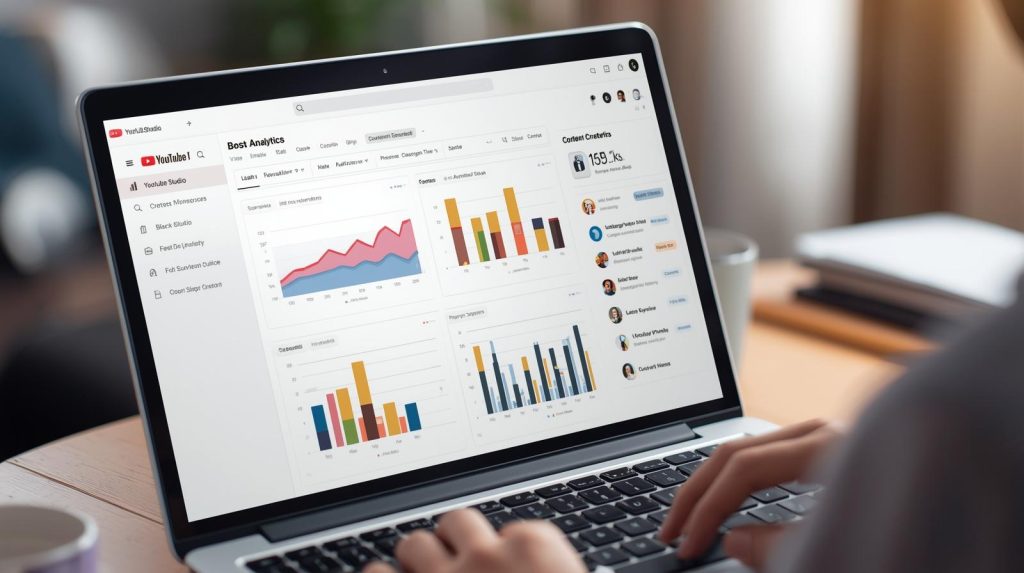
A good step is analyzing when your followers are most active – it’s often evenings or weekends, but check your account statistics to choose the best time. Take care of the technicalities: stable internet connection, good lighting, and sound. This is the foundation that will make your broadcast professional and keep viewers watching longer. During the live, be authentic, maintain energy, and invite conversation. Ask questions, read comments, and respond to them in real time.
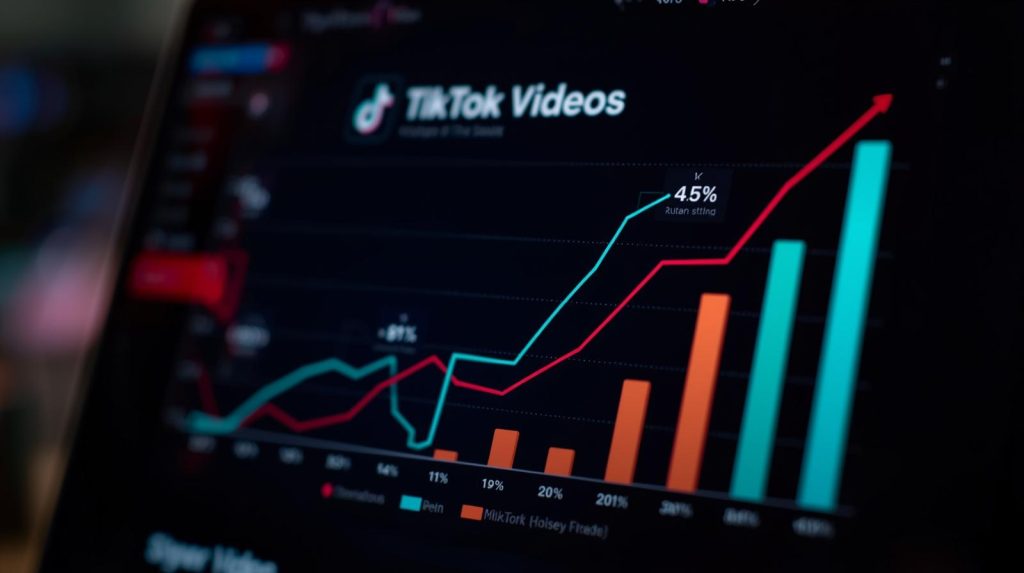
Spice up the broadcast with filters, effects, and inviting guests if you want to add dynamics to your live. You can also offer exclusive content only for broadcast participants – advice, behind-the-scenes work, or quick consultations. After concluding the live, analyze statistics, check what engaged viewers the most, and what worked best so that each subsequent live is even better.

Customer Service & Marketing Specialist at RefSpace, passionate about AI technology development and shopping psychology. She is responsible for customer service, collaboration with Creators and Suppliers, and application development. Her extensive experience as a Makeup Artist allows her to better understand the mechanisms of trust in recommended products and understand customer needs.