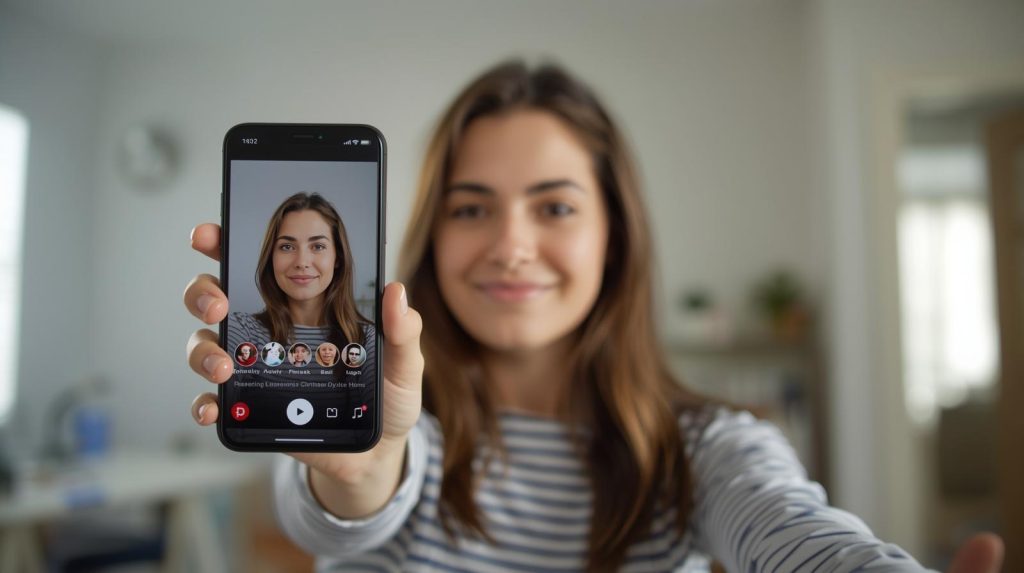

Live on IG with a guest without any slip-ups! How to handle streaming on Instagram like a pro?
There is nothing worse than inviting a guest to a Live session, only to not know how to start, where to click, or what to say. Or worse – the stream is lagging, there’s only static noise, and viewers leave faster than they came. Sounds familiar? Don’t worry – this can be avoided. Just get a few simple things in order beforehand, instead of scrambling during the stream.
Instagram Live is not a freestyle – start with the technicalities that save your image
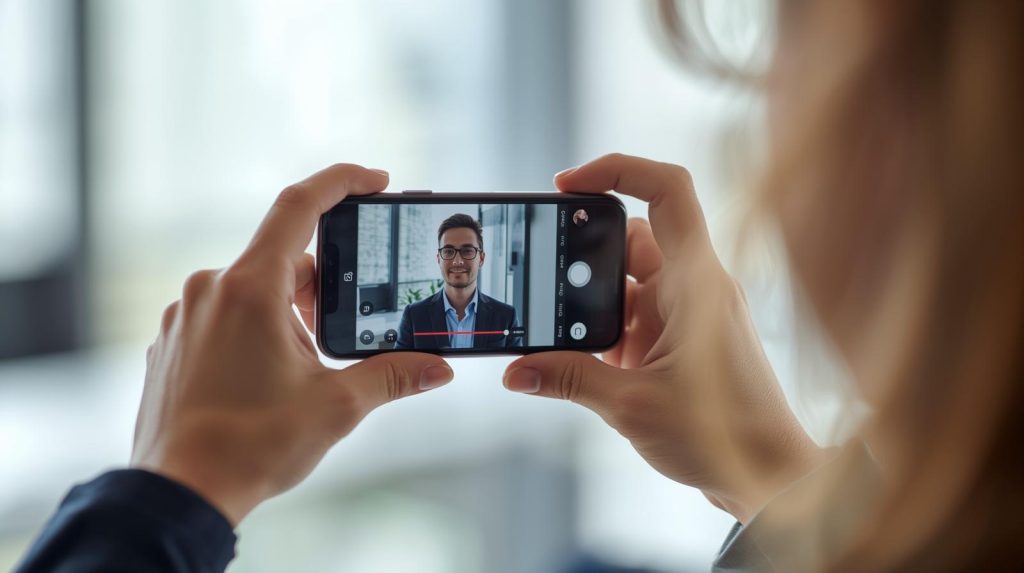
Going Live with a guest is more than just “click and broadcast.” If you want it to look and sound good – you need to get the technical basics right. Even the best conversation topic won’t save the situation if viewers only hear choppy audio or see a dark blur on the screen. Take care of these things before you start streaming!
- Stable Wi-Fi or LTE (and no – you won’t do a good Live session on a train).
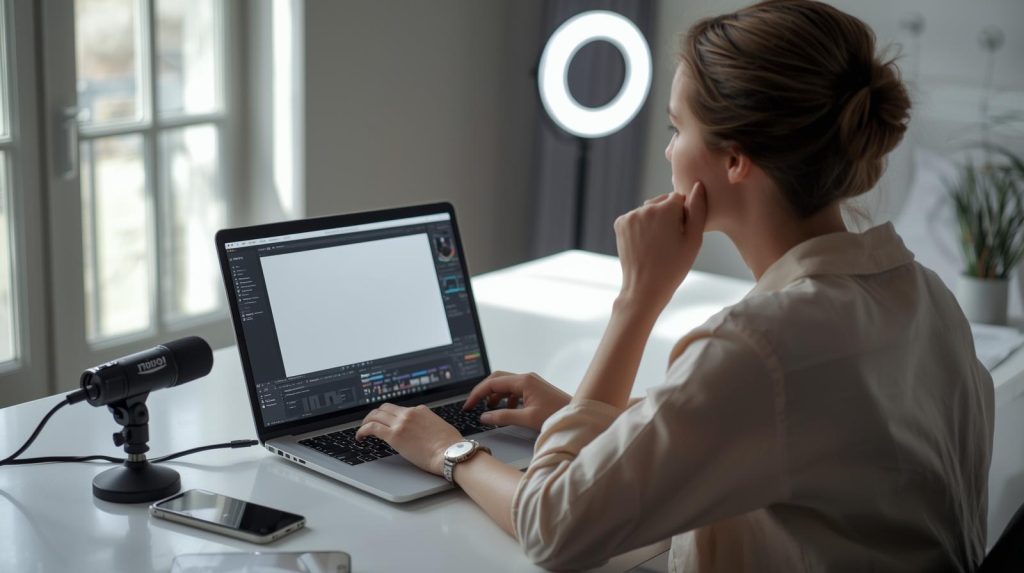
- Front lighting, not back – preferably natural or a ring light.
- Headphones with a microphone – reduce echo risk and boost audio quality.
- A tripod or a stand for your phone – to avoid shaking.
- “Do not disturb” mode – so a call from friends doesn’t interrupt you.
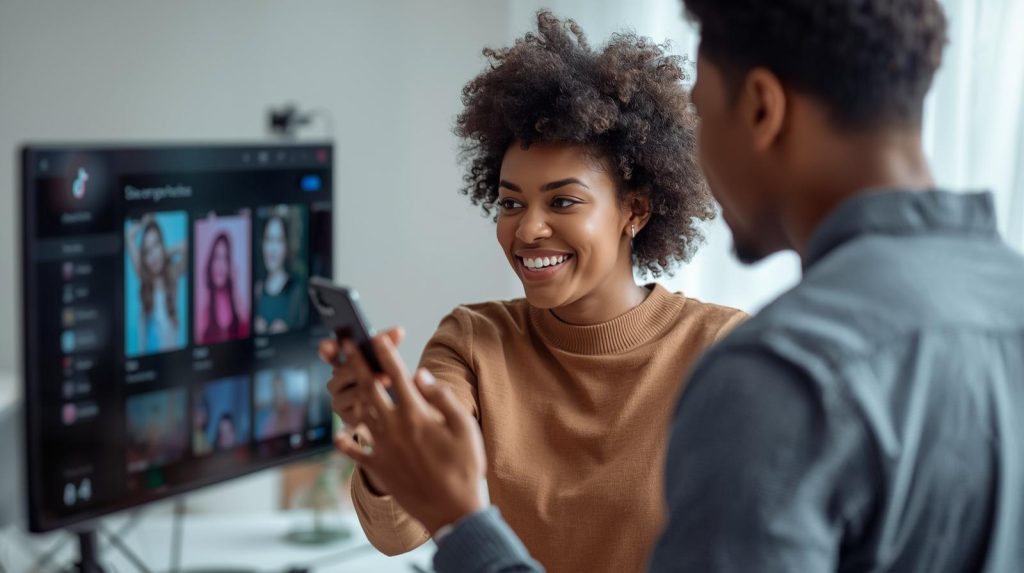
It’s also worth reminding your guest about this. Ideally, a day before – a short checklist sent in a message can save many situations. And if possible, do a joint test call – it only takes a few minutes and provides a lot of peace of mind.

Discover the potential of your personal brand!
Join a platform where creators can earn money online and build their personal brands by recommending products and services from brands and partners they truly respect.
“What will we talk about?” is not enough – create a joint plan and give it structure
For an IG Live with a guest to work, you need a clear conversation plan. Even if you want it to appear natural and “easygoing,” ease does not exclude preparation. On the contrary – the best Lives are those that look like a conversation but are kept in check.
What should be planned in advance?
- Title and main theme – it will display at the top of the screen, so make it intriguing.
- 3–5 main questions/points – so you don’t wander aimlessly.
- Duration – e.g., “30-minute conversation + 10-minute Q&A.”
- Who starts and ends – it’s worth deciding to avoid awkward “now it’s your turn…”.
- Confirm presence 1 day before – seriously, it’s better to do this.
Preparation does not mean boredom. It means certainty, that the Live is cohesive, that you don’t interrupt each other, that you don’t end after 12 minutes because “we’ve basically said everything already”. It’s also a chance for you to show professionalism – and ensure the comfort of your guest.
Streaming on Instagram. Warm up the topic before starting – stickers, reminders, and questions from viewers do the trick
The broadcast starts earlier than 8:00 PM. Good Live preparation begins a few days before – by creating buzz. Instagram gives you tools that help with this without pushy promotion. You just need to use them creatively.
What should be done before starting?
- Add an “Add Reminder” sticker in Stories – the reminder works automatically.
- Do a Q&A before the Live – use the questions during the broadcast.
- Announce the guest – who they are, why it’s worth tuning in.
- Set a cover/graphic announcing the stream.
- Add a reminder link in bio or in comments under the post.
People need stimuli to click. Just saying “join the Live” is not enough. But if you show that something is happening – you have a specific topic, an interesting person, something to say – viewers will start perceiving it as an event, not a random broadcast.
Don’t wait for viewers – start immediately, pin the topic and “sell” your guest!
The most common mistake? Waiting for someone to “join” before saying something meaningful. Don’t do that. Instagram Live starts working from the first second – and everyone who watches it later (e.g., from the recording) immediately sees that silence. Therefore, start with energy and without waiting.
What to pay attention to in the first few minutes?
- Introduce the topic – specifically, not generally.
- Do a good guest intro – who they are, what they do, why it’s worth listening to them.
- Pin a comment with the Live’s description – so viewers know what they’re watching.
- Ask the first question right away – it breaks the ice and sets the rhythm.
- Encourage interaction – questions, reactions, likes.
Remember: Live is not a podcast. Here, people can interrupt, comment, react – and that’s what they’re here for. If from the start you give them the feeling that “this is something interesting” – they’ll stay. If they only hear “we’re waiting for more people” – they’ll scroll on.
Does Instagram Live with a guest only work on a phone?
Yes – a broadcast with a guest is only possible through the Instagram mobile app. It doesn’t work on desktop.
Can more than one guest be added?
Yes – Instagram allows inviting up to 3 guests (4 people total), but the more people, the higher the risk of technical chaos.
How long can a Live last?
Up to 4 hours – but optimally aim for 30–60 minutes. After that, engagement drops.
Does the Live recording appear automatically?
Yes, but only if you save it at the end of the broadcast. You can share it in the feed or in the “Live” tab on the profile.
Can the recording be edited after the Live ends?
Not directly on Instagram – you can download it, edit it, and upload it as Reels or IGTV.

Customer Service & Marketing Specialist at RefSpace, passionate about AI technology development and shopping psychology. She is responsible for customer service, collaboration with Creators and Suppliers, and application development. Her extensive experience as a Makeup Artist allows her to better understand the mechanisms of trust in recommended products and understand customer needs.