Influencer Media Kit – what is it, what must it include, and how to create it for free?
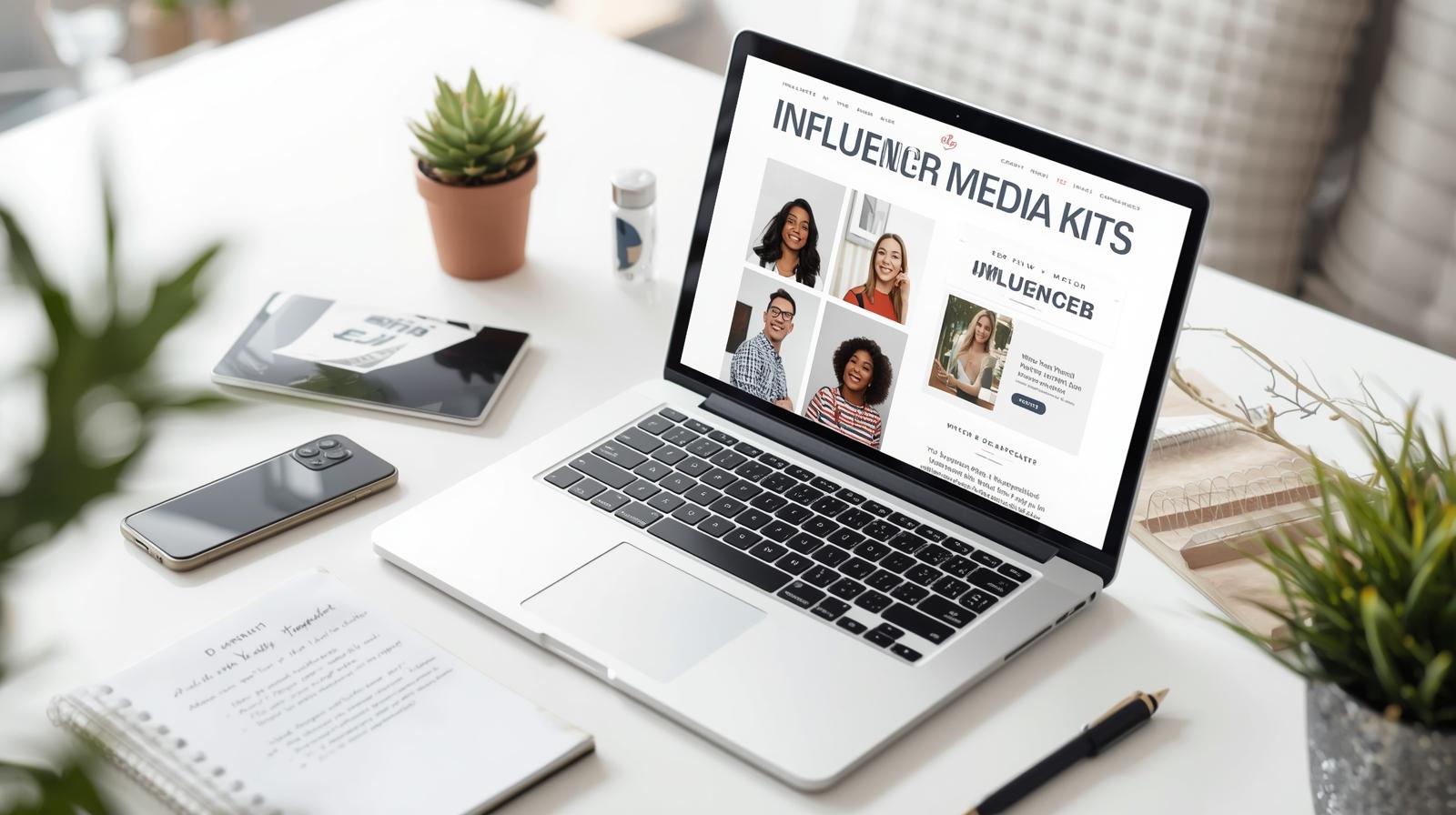
A media kit is not a luxury for big influencers – it is an absolute necessity if you want to start making money through collaborations. And no, you don’t need to have 100,000 followers or a full-time graphic designer. In this guide, we’ll show you how to create a media kit that looks professional, even if you’re just starting. You’ll learn what to include, what tools to use (without spending a single penny), and finally, how to send it to actually get a response from brands.
A media kit is not just a pretty PDF – it’s your digital resume that sells before you even say “hello”!
If you’re thinking about collaborations with brands, it doesn’t matter if you have 5k, 50k or 500k followers. Without a media kit, you come across to brands as someone who doesn’t take this seriously. You don’t have to have a PR agency, a manager, or a million collaborations – but you need a professionally looking media kit, even if you’re just starting.
This is not a whim – it’s an absolute necessity. Marketers do not have time to scroll through your feed looking for info. A media kit allows them to:

Discover the potential of your personal brand!
Join a platform where creators can earn money online and build their personal brands by recommending products and services from brands and partners they truly respect.
- see key statistics in one place (followers, reach, engagement),
- understand who you are and what you offer,
- know the rates without bargaining them down to zero,
- decide if you fit a specific campaign.
Note that brands often choose not those with more followers, but those who quickly grasped the brief. A media kit does the job before you even have a chance to send a DM.
What must be in a media kit for a brand to respond? No, follower count is not enough
A good media kit should answer questions a brand might ask itself in 10 seconds.
- Does this creator fit our target audience?
- Is their audience active and genuine?
- Is it worth investing budget in this influencer?
To answer those questions immediately, your media kit should include:
- a cover page with bio, photo, and niche (e.g. lifestyle, education, beauty),
- an audience demographics section (age, gender, countries, interests),
- metrics of reach and engagement (e.g. reach, ER, saves, CTR),
- examples of posts – preferably with visible engagement,
- past collaborations – even 1-2 real ones,
- collaboration options + rates (if you don’t want to provide ranges, note: “prices from…”),
- contact + call to action (e.g. “Available for November campaigns! Email me: …”).
You don’t have to have everything at once. But the more data – the more inquiries.
Earnings from collaborations don’t fall from the sky – they come from a well-detailed rate card!
Rates are the most common contentious topic in collaboration. If you have them detailed in your media kit, you avoid 10 emails like “How much for a story?” and “Can it be cheaper?”. A rate card isn’t a price wall – it’s a conversation starter.
You can break down the rates by format:
- Instagram Post – e.g. 800 PLN,
- Reel with editing – e.g. 1200 PLN,
- story x5 – e.g. 600 PLN,
- package: post + 2x story – 1300 PLN (with discount),
- ambassador for a month – 3500 zł.
You can also add:
- rights to use content – +30%,
- no competition in the industry – +50%.
Pre-defined options save you time and show that you know what you’re doing. Even if the partnership is negotiated, it reflects well on you as a professional.
Don’t have partnerships? No problem. A media kit can be made even from the start – and it still works
If you’re just starting out, you don’t have to pretend. You can prepare a media kit without a list of partnerships, big names, and reach – and it will still work. What matters at the beginning is consistency, clarity, and showing potential. Really – brands don’t expect every newcomer to have hundreds of campaigns under their belt. They want to know what you can do and how you create.
What can you include in a media kit if you’re just starting out?
- Instead of partnerships – showcase your best posts or Reels.
- Instead of brand logos – write: “Open to first collaborations” or “New account – high activity!”
- Instead of campaign statistics – include reach, engagement, and demographic data.
This shows that you are genuine. And brands really value that – especially if you’re operating in a niche or have good quality content. Don’t pretend to have 10 partnerships if you don’t have any. Authenticity works better than pretending.
Want to create a media kit for free that looks like it’s worth 500 zł? These tools are gold
You don’t need to invest in a designer or premium templates. Everything you need to make a decent media kit is available for free – literally with a click. Below is a list of tested tools that we’ve also tested with RefSpace creators:
- Canva – ideal for beginners. Look for “Media Kit” templates and edit them to suit your needs. You can add your own photos, colors, and fonts.
- Figma – offers more design freedom. In the community, you can find ready-made templates you can adapt.
- Beautiful.ai – if you want AI to help you with content layout and style.
- Google Docs – simple but effective. If you want a PDF and don’t mind a non-premium look.
Just spend 1–2 hours, gather data from Instagram Insights, and add a good photo. And you have a ready document that doesn’t look like it’s from Paint, but like it’s from an agency.
Already have a media kit? Great. Now see how to send it to actually get a collaboration
Just having a media kit is only the first step. Now it’s about the strategy: when, to whom, and how to show it. This isn’t about spamming every brand on Insta. Good outreach is: fewer messages, but better written.
Here are some key moments when it’s worth sending a media kit.
- When a brand approaches you about a collaboration.
- When you want to make the first move – e.g., after following the brand for some time.
- When a campaign is ending and you want to show you’re ready for more.
- When responding to an advertisement (e.g., in creator groups).
How to send it?
- Email with PDF attachment and a short message showing you know the brand.
- Link to the media kit in linktr.ee / bio / Google Drive – accessible to those interested.
- DM on Instagram – if the brand is active there (short and concise).
Remember: do not send one template to everyone. It’s worth personalizing the message – even with one sentence that shows you know what the brand does and that you want to be a part of it. This works better than a thousand cold emails.
FAQ
Do I need collaborations to create a media kit?
No! You can create a media kit even if you’re just starting. Instead of collaborations, you show content, statistics, and the information that you are open to campaigns.
What to do if I don’t know my engagement rate?
Go to Instagram Insights and check the interaction count on your recent posts. Calculate the average and divide by the number of followers. That’s your engagement rate.
Does the media kit have to be in PDF?
No. You can also have a website, a Canva link, or even a Google Doc. The important thing is that it is aesthetic, specific, and contains all the necessary information.
How often should you update the media kit?
At least once a quarter – ideally once a month. If the number of followers or statistics has changed – update it.
Should I specify exact rates?
Yes – brands like specifics. You can list a range or approximate prices, with a note “negotiable depending on the scope of the campaign.”
Sandra Siadlak is a Project Manager at RefSpace, where she ensures that people and algorithms understand each other. Before entering IT, she worked in the education industry. Today, she combines her passion for technology with psychology and dietetics, writing about AI, automation, and broadly defined health in everyday digital life.