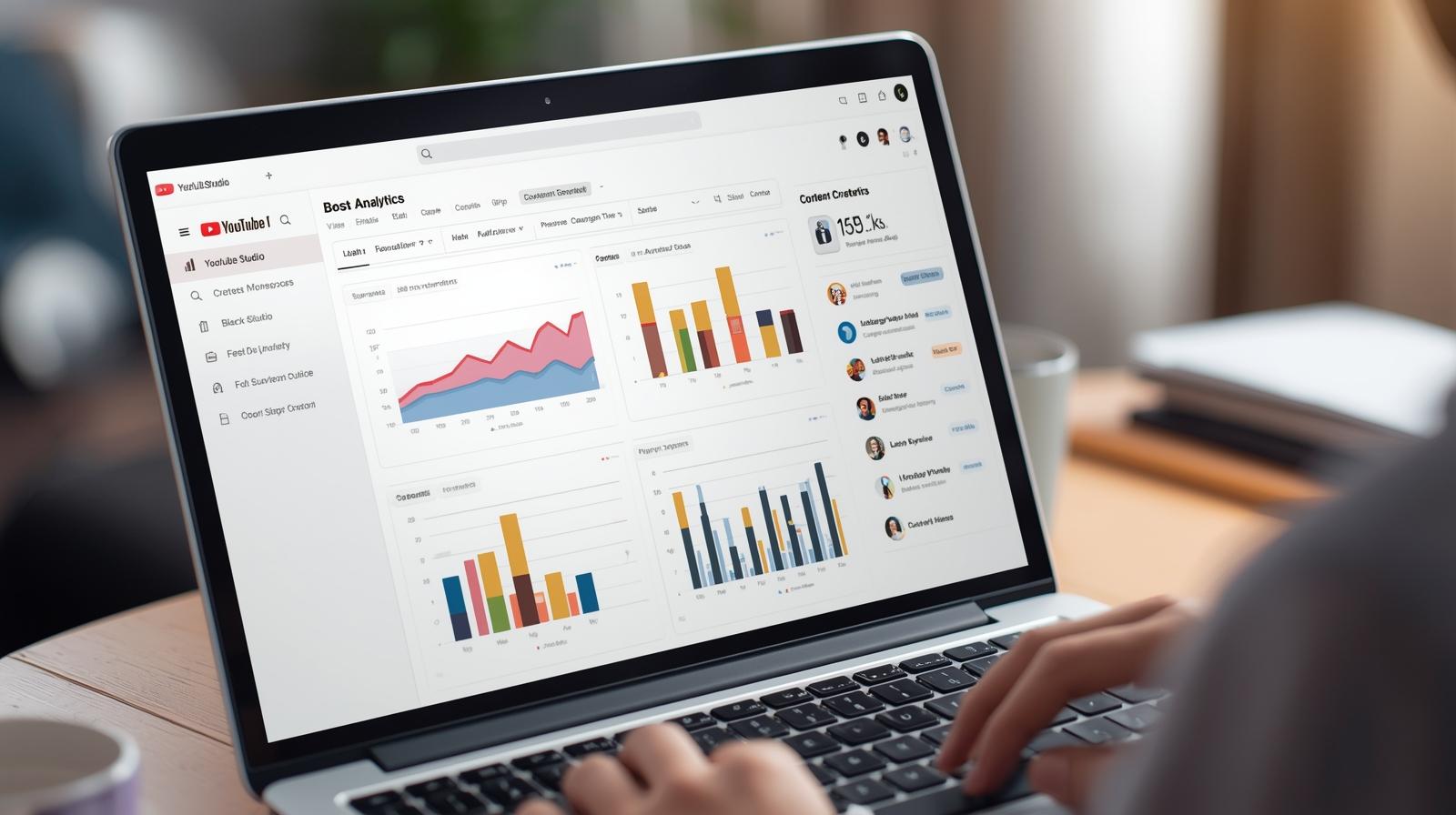
Analyzing Audience Demographics in YouTube Studio – How to Create Content That Reaches Your Target Audience?
Views alone aren’t enough to know if you’re doing a good job. What does it matter if a video gets 50,000 views if 80% of the audience are people you weren’t even targeting? Demographics in YouTube Studio show not only “how many,” but most importantly, “who.” That’s when a sensible strategy begins. Without this, you’re making videos for “anyone,” not for those who are truly your community. And while it may seem like just dry numbers, in practice they are the foundation on which you can build reach, loyalty, and sales.
Who is even watching? Check the age, gender, and geolocation before recording your next video!
Surprisingly, many channels have no idea who is watching them. It only takes a click on the “Audience” tab in YouTube Studio to get straight to the point: what percentage of your viewers are female, what percentage are male, from which countries, and what age group. This data could completely change your perception of your own content.
If you think you are speaking to 30-year-olds from large cities, but are mostly watched by teenagers with a phone in hand, maybe it’s time to stop using Excel slides. Or perhaps the opposite – you aim for the young, but have an audience 45+ who appreciate calm, analysis, and longer forms. Without this knowledge, you’re in the dark. And importantly – this data changes dynamically. It’s worth checking every few weeks, as new series, shorts, or guests can significantly mix up your audience profile.

Discover the potential of your personal brand!
Join a platform where creators can earn money online and build their personal brands by recommending products and services from brands and partners they truly respect.
It’s also a great moment to ask yourself: are the people who actually watch me the group I want to continue working with? Because if not – something needs to change right now, not in six months. YouTube is not a one-way stream. It’s a living relationship with specific types of people – and it’s worth knowing them better than your competition analysis.
What do your viewers watch outside your channel? It’s a goldmine of knowledge about your niche
This is one of the most underrated features in YouTube Studio. In the “Audience” tab, you have the section “Other videos and channels watched by your viewers” – and it’s real gold. Not because you have a peek into the competition (although that too), but because you see the whole environment in which your content operates. It’s like a mental map of your community – without the guesswork.
If you run a channel about dietetics and suddenly see that your audience is also watching channels about psychology, finance, and slow life – it’s no coincidence. It’s a signal that your audience has specific needs and associations that you can integrate into your content. You don’t have to change your topic – just refer to these contexts in your narrative or examples. This way, you stop being “just a food channel” and become “someone who understands my lifestyle.”
This analysis also works the other way around – you can see where your viewers are drifting, what engages them more, what you aren’t providing, and what’s right next to you. Maybe it’s worth inviting a creator from a similar bubble? Or creating content that references this trend? But first, you need to look there – and understand that it’s not just “competition,” but a mirror reflection of who your viewers are.
When is the best time to publish on YouTube? Not when everyone thinks!
The timing of video upload matters. And it’s not just symbolic. YouTube favors content that attracts engagement in the first few hours. This means that if you publish at 11 PM, and your viewers are most active at 6 PM – you’re cutting your own reach. The problem is many people upload materials “when they get around to it,” not when their audience is actually at the screen.
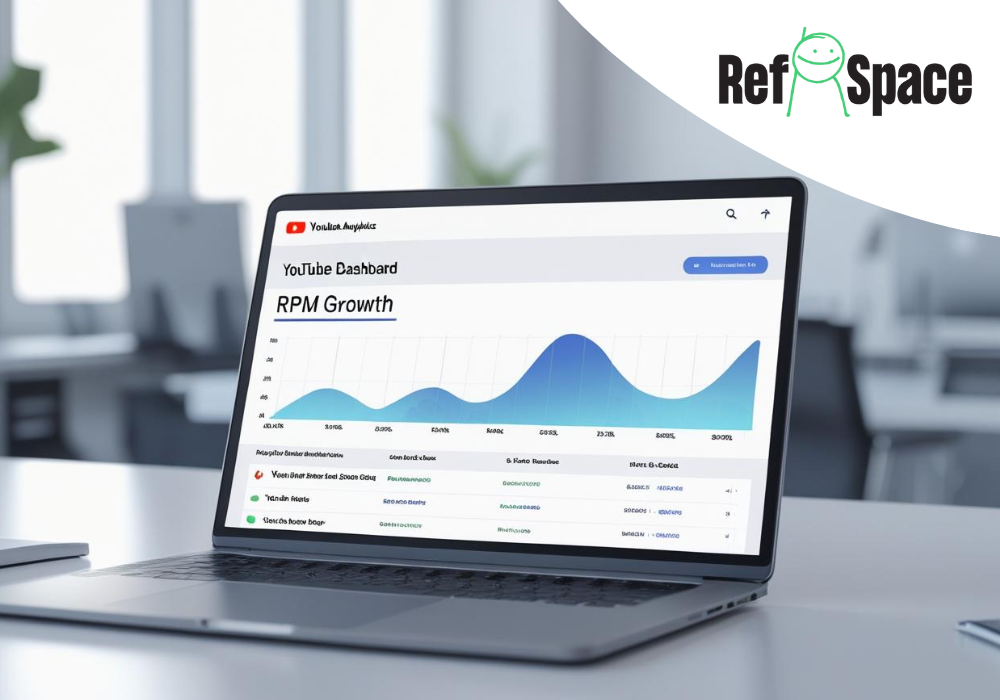
In YouTube Studio, you’ll find a simple chart showing when your viewers are most often active – it’s the purple graph in the “Audience” tab. What should you glean from it?
- The darkest areas = highest viewer concentration.
- It’s worth publishing 1–2 hours before peak activity.
- If your viewers are active in the evening – post around 5:00–6:00 PM.
- Avoid weekends if your group consists of people with a weekly routine.
It’s not a rigid rule, but it provides a framework. Over time, you can test different hours and compare CTR, watch time, and recommendations in the home feed. If you’re interested in long-term growth, not just momentary “flash” – it’s worth synchronizing the channel’s rhythm with the viewer’s rhythm.
Analyzing viewers’ demographics on YouTube. How to use subtitles and audio to keep your viewers in the office, tram, and bed?
More and more people watch YouTube without sound – at work, in transit, in bed next to a sleeping partner. Lack of subtitles and failure to consider these situations is a simple way to lose a viewer before they even get engaged. Luckily, you don’t have to start from scratch – just implement some good practices.
How to cater to those who watch “silently”?
- Add your own subtitles (SRT) or edit automatic ones – they increase readability and accessibility
- Put keywords on the screen – concisely and as a summary
- Don’t rely only on sound – show as well as tell
- Use short graphics with text as interludes
With these simple tricks you don’t lose the viewer who can’t listen but wants to understand something. It’s also a great way to improve content comprehension for those with a different accent, non-native speakers, or those who simply prefer reading to listening. Importantly – these tactics also impact watch time, as the viewer stays longer even if they don’t click “unmute.” This, in turn, boosts the video in the algorithm.
How to create content tailored to the target group, not the algorithm?
YouTube isn’t a competition for the most clickable title – it’s a platform where the relationship with the viewer matters. And it’s hard to build that if you’re trying to please the algorithm instead of specific people. So before you click “publish,” it’s worth asking a few simple but specific questions. This is your creator’s checklist for the long game.
Before uploading another video, ask yourself:
- is this topic genuinely interesting to my target group,
- am I speaking in a language that resonates with them,
- does my editing style and pace fit their lifestyle (e.g., fast Shorts vs. calm analyses),
- do the title and thumbnail spark their curiosity, or are they just a click-bait attempt,
- do I know what my goal is: building loyalty, sales, reach.
If you answer honestly, you may suddenly find that half of the ideas fall off – and that’s good. It’s better to have 10 videos that work than 50 that are “for everyone.” Demographics are not for decoration – they are a filter that allows you to create less but more accurately. And that’s exactly the point.
FAQ
Does demographic analysis in YouTube Studio work for small channels too?
Yes, but data only appears once you’ve gathered a sufficient number of unique viewers (usually over 100). For micro-channels, this may take some time, but it doesn’t mean it’s not worth checking. Over time, this data becomes more accurate and really helps with better content planning.
What if my videos are watched by completely different people than I planned?
This is surprisingly good information. You have specific feedback: your style, topics, and format are attracting someone different than you assumed. You can follow this and change direction or return to your assumptions and adjust formats. In both cases, it’s worth acting consciously rather than blindly.
Where exactly can I find data on age, gender, and location?
In YouTube Studio, go to the tab: Analytics → Audience. There you will find charts concerning: age, gender, countries, languages, and viewer types (new vs. returning). It’s one of the most underrated places in the entire panel.
Does demographic analysis make sense if I’m doing Shorts?
Absolutely. Shorts often have a different audience group than longer videos, so it’s even more worth comparing data. It may turn out that Shorts build reach but not necessarily loyalty – and this is an important clue when building a strategy.
Is it possible to check the interests of my viewers?
Not directly, but YouTube shows other videos and channels watched by your audience. This is a great source of insights: you see what they’re interested in, which “bubble” they belong to, and which topics you can weave into your content to reach their world.

Sandra Siadlak is a Project Manager at RefSpace, where she ensures that people and algorithms understand each other. Before entering IT, she worked in the education industry. Today, she combines her passion for technology with psychology and dietetics, writing about AI, automation, and broadly defined health in everyday digital life.