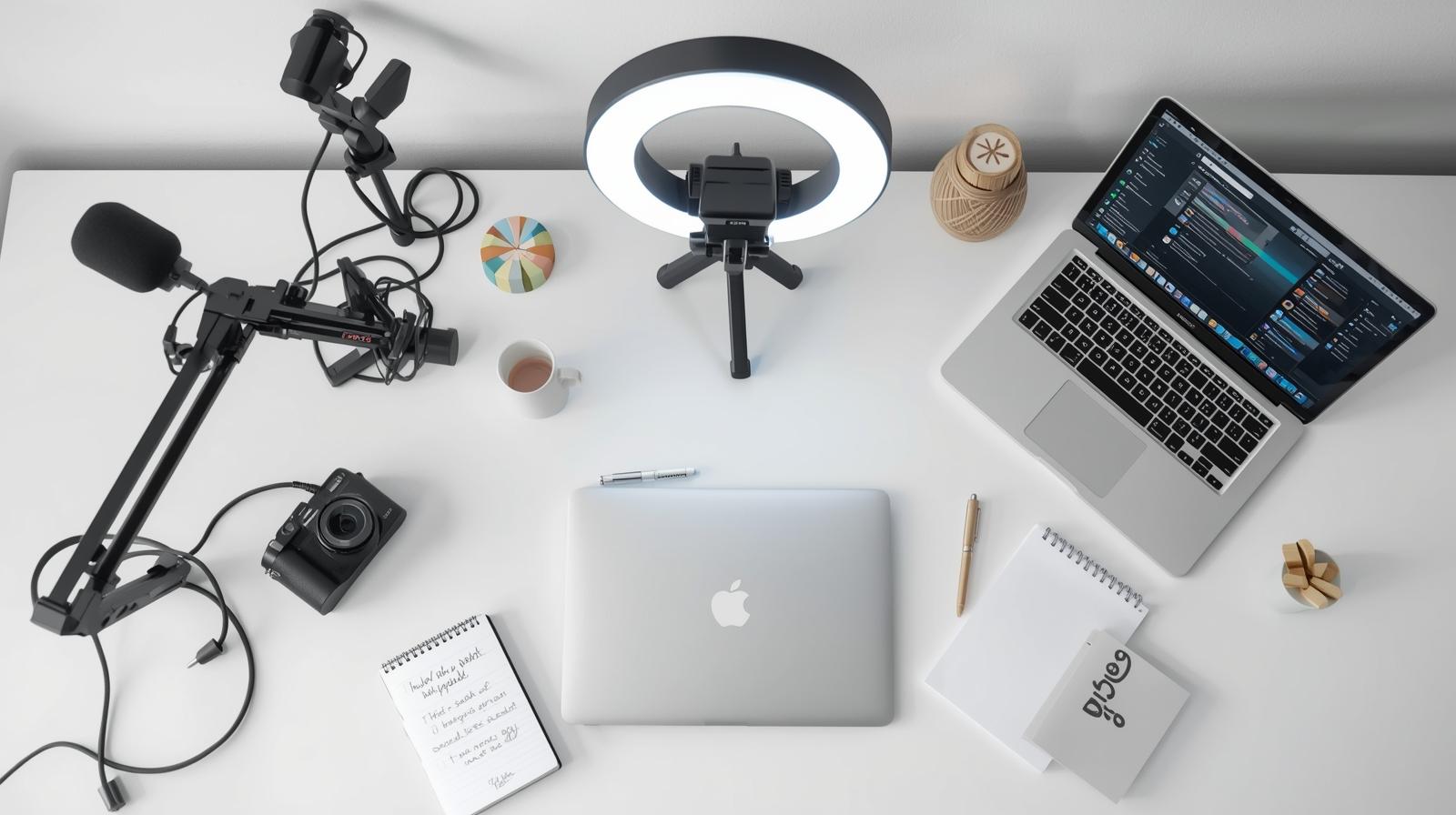
Equipment for a Beginner YouTuber – What is Worth Investing in at the Start (and Where to Save)?
Equipment is one of the first topics that comes to mind for anyone who wants to start recording on YouTube. And it’s very easy to fall into the trap of thinking: “I don’t have a camera, microphone, lights, so I won’t start.” However, the truth is different. You don’t need top-tier equipment to make good videos. You need adequate equipment and an awareness of what really makes a difference. This guide shows you what to buy, what to skip, and how not to burn through your budget without compromising on quality.
A microphone is 80% of the quality – what recording equipment for YouTube can’t fail even with a small budget?
If you have a limited budget and are wondering what to buy first – buy a microphone. No discussion. Bad sound is the first reason a viewer turns off a video. Even the most expensive camera won’t save that.
What is worth investing in?

Discover the potential of your personal brand!
Join a platform where creators can earn money online and build their personal brands by recommending products and services from brands and partners they truly respect.
- Boya BY-M1 (approx. 50 PLN) – a lapel microphone that works with phones and cameras, perfect for beginners.
- Blue Yeti nano (approx. 400 PLN) – a USB microphone that connects directly to the computer, no additional equipment needed.
- Rode Wireless Go (approx. 700-1000 PLN) – a premium option if you plan to move around a lot and record outdoors.
People will forgive you for average video quality, but they won’t forgive cracking or quiet sound. Investing in a microphone is the most beneficial purchase you can make on YouTube.
Ring light for 80 PLN vs. lamp for 800 – which lighting is really worth investing in?
Before buying a camera for several thousand, ask yourself: is my lighting sabotaging my video? In 9 out of 10 cases, bad lighting is to blame, not the lens. Therefore, it’s worth starting with improving the lighting.
Which option makes sense to start with?
- Natural light (0 PLN) – record by the window during the day.
- Ring Light (approx. 80-150 PLN) – cheap, simple, and provides nice, even lighting on the face.
- Softbox LED (approx. 300-400 PLN for a set of 2) – for those who want more control and primarily record indoors.
You don’t have to spend a fortune. Good lighting for 100 PLN does more than a 3000 PLN camera without lighting.
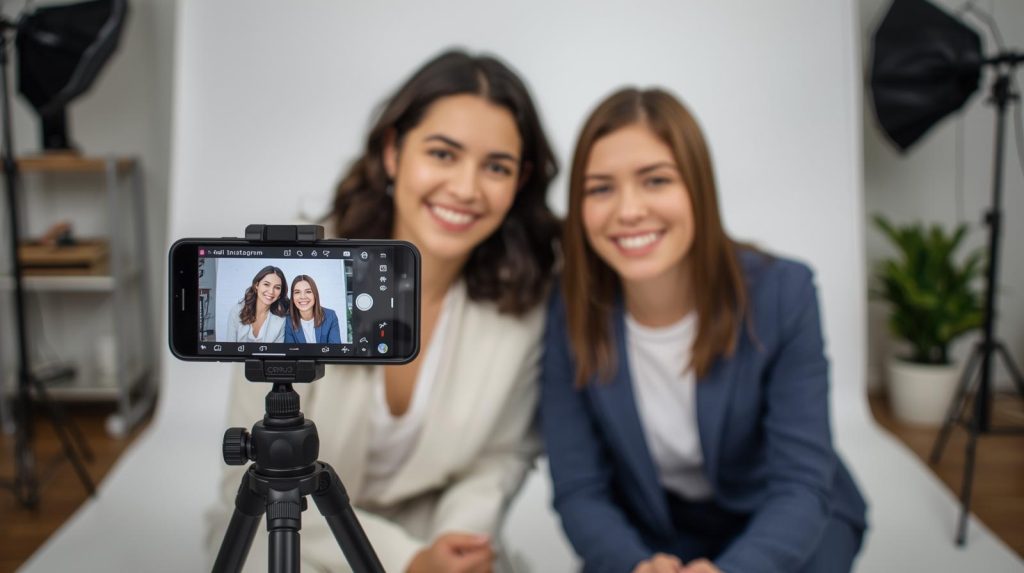
What to use for recording YouTube videos when you only have a smartphone? Affordable setups that look like they’re shot with a 5K camera
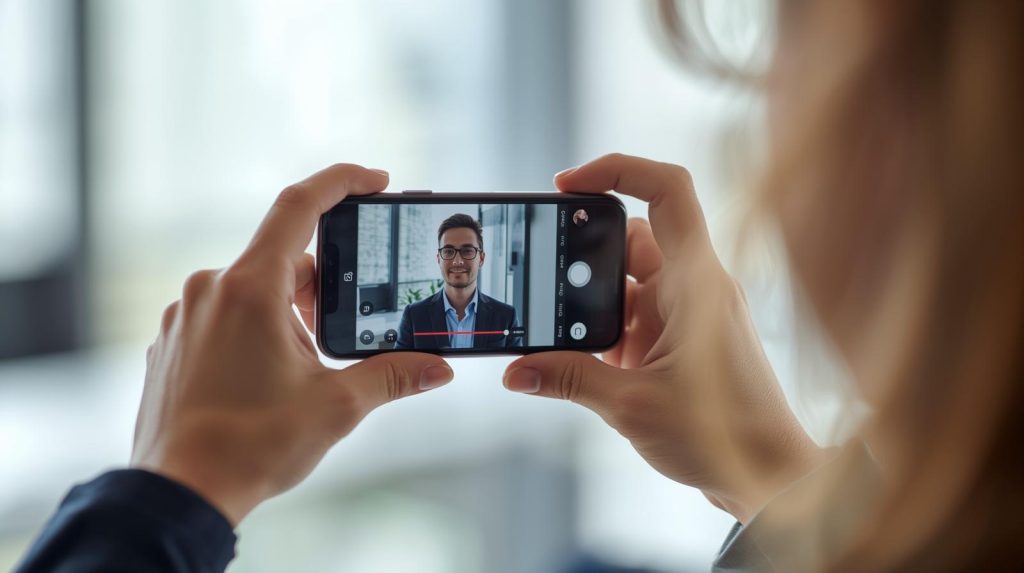
You have a phone and enthusiasm? That’s enough. Most modern smartphones record in 4K, have stabilization and decent sharpness. But you need to know how to set it up.
What to add to your phone to make it perform well?
- Tripod (approx. 50 PLN) – avoid a shaky frame.
- Boya BY-M1 (approx. 50 PLN) – improve sound quality.
- Ring Light (approx. 80 PLN) – better lighting = better image.
Smartphone + microphone + ring light for less than 200 PLN gives a better effect than 80% of new YouTubers. If you are consistent, viewers won’t even ask what you are recording with.
Camera for 2000 PLN or iPhone? Ranking of recording equipment for YouTube that won’t break the bank
If you have the budget for a camera, ask yourself: do I need it now? Often a smartphone + good lighting is sufficient for the first 6 months of recording.
However, if you want to switch to a camera, consider:
- Sony ZV-1 (approx. 2800 PLN) – a compact camera that does everything for you.
- Canon M50 Mark II (approx. 3200 PLN) – a YouTuber classic, great sharpness.
- Sony A6300 (approx. 3800 PLN) – for those who want to step up their game.
You don’t have to immediately buy a 10k full-frame. A camera for 2000-4000 PLN is already a solid investment that will provide you with quality for years.
Recording equipment for YouTube without shakes and frustration – which tripod and stabilization really make a difference?
Nothing ruins the viewing experience of a film like shaky footage. Even the best video quality won’t help if the viewer feels like they’re watching tremors.
What do you need for stable footage?
- Classic tripod (50-100 zł) – good for desk-based recordings.
- Flexible tripod (30-80 zł) – small, mobile, ideal for vlogs.
- Gimbal (200-300 zł) – if you’re recording on the move.
A good tripod for 50 zł gives you 90% of the effect of one for 300 zł. It’s one of those things that enhances the experience without breaking the bank.
Equipment no one talks about – cables, filters, cards, and other extras that will save your recordings
It’s these small elements – cables, SD cards, filters, pop filters, and external drives – that rescue YouTubers when everything else fails. If you think these are add-ons “for later,” you might be surprised at the worst possible moment.
Here are a few items you should have on hand from the first recording:
- Pop filter – for 20–30 zł, it eliminates unpleasant ‘p’ and ‘b’ sounds that destroy audio, even if you have a good microphone.
- Spare cables (USB-C, Lightning, HDMI, mini-jack) – always, always have them at hand. One damaged cable = end of recording session.
- SD or microSD card (at least 64 GB, class 10 or higher) – recording in 4K? You need fast write speeds and reliability.
- External SSD drive (e.g., 1TB) – for backup of recordings that need to be secure. Never keep everything only on your computer.
- UV or ND filters – if you’re recording outdoors, the sun and reflections can ruin your footage. A filter costing 100 zł can save a video worth 1000 zł.
Beginners don’t think about this, and then suddenly everything collapses. Spending 150–200 zł on small add-ons can significantly improve the certainty of recording, the quality of content, and data security.
Ready-to-go equipment sets for recording on YouTube and beyond – what to buy with 150 zł, 1200 zł, or 2500 zł?
The best way to avoid chaos and unnecessary purchases? Three ready-to-go scenarios tailored to your budget. You don’t need everything right away – you need what really works for your style of creation.
Scenario 1: 150 zł (starter minimum)
- Smartphone (assuming you already have one).
- Boya BY-M1 microphone (~50 zł).
- Ring light (~80 zł).
- Desk tripod (~20 zł).
That’s it. And the result? Better than 90% of videos uploaded from an iPhone without audio and lighting.
Scenario 2: 1200 zł (solid content)
- Sony ZV-1 or Canon PowerShot V10 (~700 zł).
- Softbox LED Kit or Ring light + panel (~200 zł).
- Rode Wireless GO microphone or Boya + tripod (~250 zł).
- Cards, cables, audio filter (~50 zł).
You’re ready to record films with quality that looks like a full-pro setup. Suitable for an educational channel, lifestyle, vlog.
Scenario 3: 2500 zł (semi-pro start)
- Sony A6300 + kit lens (~1100 PLN).
- Sigma 16mm f/1.4 (~400 PLN).
- Good studio LEDs (~300 PLN).
- Rode Wireless Microphone + Boya backup (~200 PLN).
- Gimbal + SSD + accessories (~500 PLN).
Such a setup comfortably allows you to reach a level comparable with major creators. You don’t have to have everything at once – but this set grows with you.
What NOT to buy at the beginning? Equipment traps that will only drain your budget
At first, you’re tempted by ads and YouTube reviews: cameras for 10k, cinematic lights, 3 different microphones. Except… at this stage, most of it will only slow you down.
Here are a few elements that sound professional, but are simply unnecessary at the start.
- Camera for 3000 PLN+ – if you are not yet earning from the channel, this investment makes no sense. Better invest in sound and lighting.
- Professional editing programs – DaVinci Resolve (free) is more than enough. Adobe Premiere Pro for 60 PLN a month is a cost you will only feel when the channel starts earning.
- Home recording studio – before you install a green screen, dark curtains, and acoustic panels… record 50 videos. If you persist, then consider the investment.
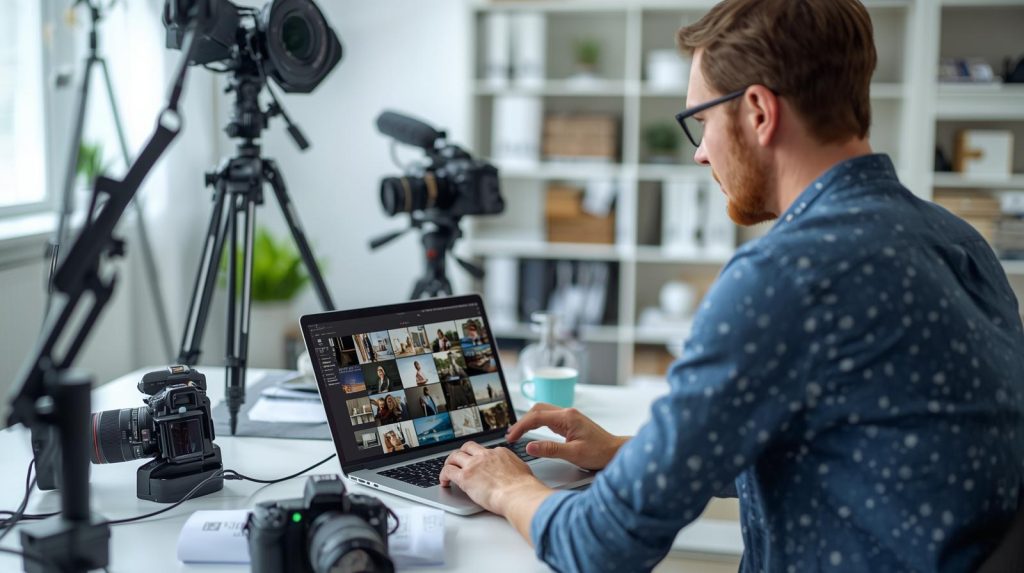
- Multiple cameras – better to have one solid one than two mediocre ones. Double shots and multicamera editing? Great – but not at the beginning.
On YouTube, consistency + a good idea works better than the most expensive equipment. Don’t waste time and money where it’s not needed.
Recording equipment for YouTube – how to choose the perfect set for your recording style?
Instead of looking at what others have bought, ask yourself specific questions about your creation style. Adapting equipment to your conditions and way of working is the key to effective investments.
Start by answering a few things.
- Do you sit at a desk and record tutorials? Choose softboxes and a solid USB microphone.
- Do you vlog on the move, in the city? Smartphone + gimbal + wireless microphone.
- Do you stream? Camera with HDMI + XLR microphone with interface.
- Do you record stylized shots and edit for a long time? Then it’s worth considering a better camera with good optics.
You don’t need 10 options. You need 1 good configuration – that suits you.
Ranking: what most impacts the quality of your videos? You wouldn’t guess what’s only in 3rd place
Many creators start with a camera. Yet it’s one of the last elements that genuinely impact the perception of your videos. Sound and lighting account for 80% of success.
Ranking of equipment impact on your content’s reception.
- Sound (50%) – people will forgive a poorer image, but they don’t continue watching if there’s static or a “hum”.
- Lighting (30%) – even a smartphone in good lighting achieves a “wow” effect.
- Camera (15%) – if sound and lighting are good, the camera doesn’t have to be top-notch.
- Stabilization / tripod (3%) – minimizes shake, gives a “professional feeling”.
- Background / decoration (2%) – it matters, but it’s not crucial. Style can be developed over time.
Instead of burning your budget on premium equipment, start with what truly matters. YouTube rewards value, not resolution.
Record first, invest later
Before clicking “buy now” on a camera for 5000 PLN, do one test: take the phone in your pocket, add a microphone for 50 PLN and lighting for 80 PLN. If you can create engaging videos that people want to watch with this setup – you’re ready to invest more. If not – the equipment isn’t the issue.
Don’t fall for FOMO. You don’t need everything at the start. You need consistency, content, and a basic setup that won’t fail you. Sound, lighting, and then the camera – that’s the golden rule of all successful creators.
And if you want to make more than just YouTube, create your own Space on RefSpace. It’s a place where you can upload your videos, short reviews, lists of recommended products, tools, and inspirations – all in one clear place.
Start with one video. Then another. In three months, you could have a channel that really works.
FAQ
Do I need a professional camera to start recording on YouTube?
No. If you have a smartphone from the last few years and you light it well – you can achieve quality that’s good enough to start. Better sound and lighting are preferable to a camera costing thousands.
What microphone do you recommend for beginners?
For most people, the ideal choice would be the Boya BY-M1 – it costs a few tens of PLN, has good quality, and is better than built-in microphones in phones or laptops. If you’re recording at a desk – you might also consider the Blue Yeti Nano.
Is it worth buying a gimbal or tripod at the start?
Tripod – yes, even the simplest one. Gimbal – only if you’re recording moving footage, like vlogs outdoors. Otherwise, a regular tripod will suffice.
What if I only have 200 PLN?
Buy a ring light and a cheap microphone. That will make more difference than any other equipment. You can record with a phone and have excellent quality – as long as you have lighting and sound.
Do I need to buy paid editing software immediately?
No. DaVinci Resolve is a free program that will suffice for many months – even if you’re creating advanced productions. Paid software can wait.
How much should I invest to have a “good” setup?
A 150 PLN setup already provides a reasonable start. With 1200 PLN, you can have equipment that looks very professional. And if you have 2500 PLN – you’re ready for a channel that can earn money.
Sandra Siadlak is a Project Manager at RefSpace, where she ensures that people and algorithms understand each other. Before entering IT, she worked in the education industry. Today, she combines her passion for technology with psychology and dietetics, writing about AI, automation, and broadly defined health in everyday digital life.